The short answer
Clipping a live broadcast for social is a five-step workflow: keep a recorded, seekable copy of the live feed; mark the in and out points of each moment worth sharing; export the clip with captions; recompose it for each destination's shape and safe zones; then publish it with a title, a link back and tracking. The steps are the same for a morning newscast, a press conference or a league game. What changes is who decides what a clip is, how fast it has to go out, and which rules apply to it. A station that writes those decisions down before the show can clip in minutes. A station that improvises them during the show usually publishes late, or publishes clips that cut off the reason anyone would watch.
1. Ingest: keep a clippable copy of the live feed
You cannot clip what you did not keep. The first requirement is a recording of the program output that editors can seek through while the show is still on air, usually a rolling window rather than one file written at the end. Cloud packaging services expose this directly. In AWS Elemental MediaPackage, for example, a clip of a live stream is created as a harvest job, a request to extract a portion of the stream and save it as a live-to-VOD asset in an Amazon S3 bucket. The documentation lists the constraints that shape a newsroom's process: startover must be enabled on the endpoint with a window of 14 days or less, the clip's start and end times must fall inside that window and on or after the encoder's start time, and a single asset cannot exceed 24 hours. Whatever system you use, check three things before going live: how far back editors can reach, whether timestamps line up with the program clock, and whether a change to the encoder mid-show breaks the recording. Record the clean program feed if you can, without the station's own channel bug and tickers, so the clip can be reframed and branded for each platform later.
2. Mark: decide what a clip is and who calls it
Most delays come from deciding, not cutting. Agree before the show which moments are clipped automatically by rule, such as every goal, every weather warning or every answer from a named guest, and which need an editor's call. Give each show one person who owns clip decisions, even if several people mark points. When marking, keep the setup and the consequence: a goal without the build-up, or an answer without the question, rarely works on its own. Leave a second or two of handle on each side so the clip can be trimmed cleanly after recomposition. Rights belong at this step too. Sports and syndicated content can carry rules on how many clips may be posted, how long they may be and how soon after the live event; programs with licensed music or third-party footage may not be clippable at all. Put those rules next to the rundown so the person marking sees them, rather than in a contract nobody opens during the show.
3. Clip and caption
Export each marked segment at the source resolution, then add captions. For US stations there is also a legal timetable. Under the FCC's internet captioning rules (47 CFR 79.4), a video programming distributor that posts on its own website or app a clip of programming it showed on television with captions must caption that clip. Captions for clips of live programming must be provided within 12 hours after the broadcast ends, and for near-live programming, which the rule defines as programming performed and recorded less than 24 hours before it first aired, within eight hours. The rule text speaks of the distributor's own website or application; check with counsel how your station treats clips that go only to third-party platforms. Beyond compliance, captions matter wherever a clip may autoplay without sound. Reuse the broadcast caption file where you can, correct names and numbers before publishing, and keep the caption timing tied to the clip's own timeline rather than the program clock.
4. Recompose for each destination
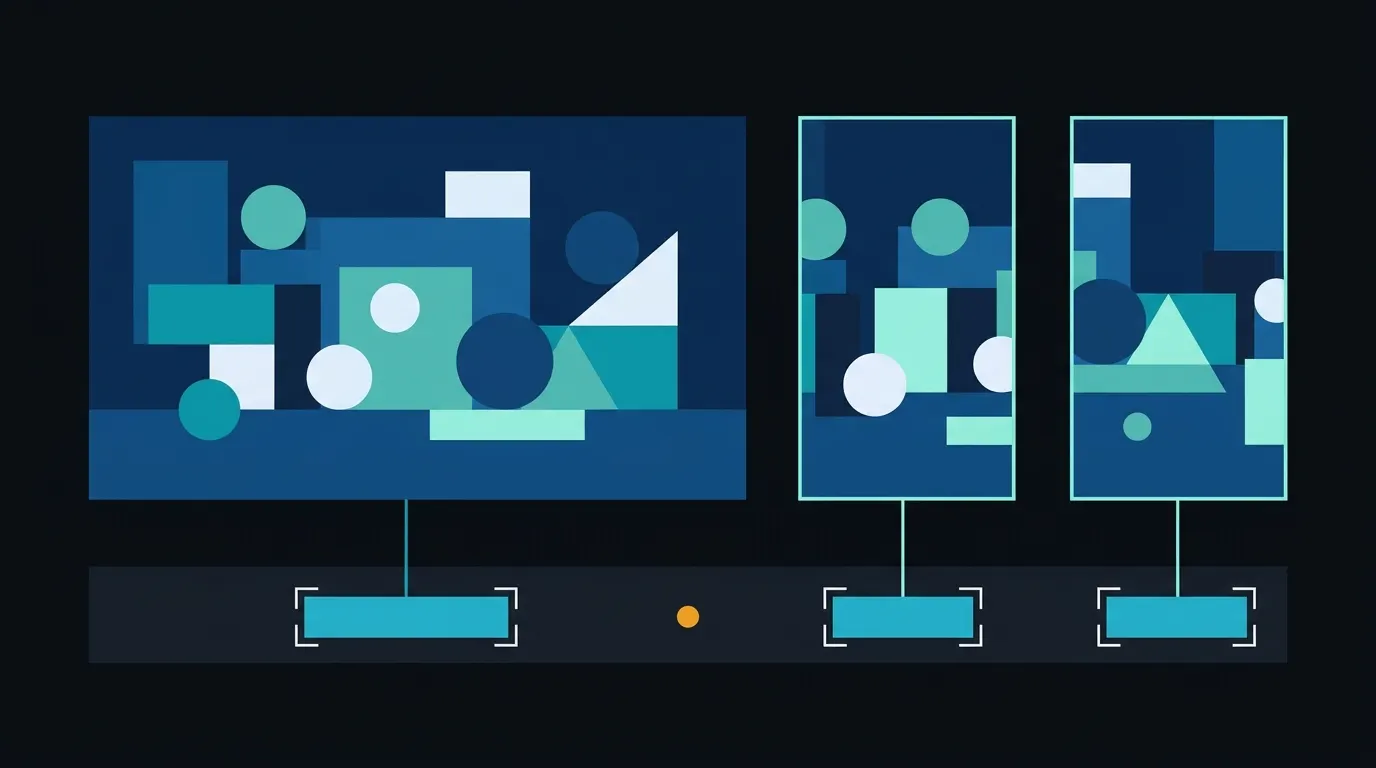
A 16:9 broadcast frame has to become a vertical or square video for most social feeds, and the requirements differ by platform. YouTube Help describes Shorts as videos of up to 3 minutes with a square or vertical aspect ratio. Meta's ads guide for Instagram Reels specifies a 9:16 ratio at 1440 x 2560 pixels and suggests leaving at least 14% of the top, 35% of the bottom and 6% on each side clear of text, logos and other essential visuals, because the interface covers those areas. A fixed center crop of a broadcast frame often loses what matters: the second speaker in a two-shot, the lower third that names the guest, the scoreboard, or the ball. Decide per show which elements must survive the crop and where captions and graphics will sit inside the safe zone, then check sample outputs from real episodes, including transitions, replays and full-screen graphics, before trusting the setup on air.
5. Publish and measure
Give each clip a title that states what happened, not the show name. Link it to the full story, the full segment or the live stream, and keep the source program, air date and rights notes attached as metadata so the clip can be found, reused or taken down later. Upload the clip to each platform in the shape and length that platform accepts, and post the same clip to the station's own site or app so the newsroom keeps an owned copy. Then measure by clip type rather than in aggregate: time from the live moment to publication, views, average watch time, completion and click-through to the full story. Those numbers show which moments are worth clipping fast and which can wait for the post-show batch, and they give the editor who owns clip decisions something better than instinct for the next show.
Where automation fits
Automation helps most with the repetitive parts once the rules are clear. Minute-ly.com's Video AI Engine connects to live streams, broadcast feeds and libraries and identifies scenes, people, speakers and action, which can feed candidate moments to the editor who owns clip decisions. Smart Composition recomposes a clip from 16:9 to 9:16 and other shapes by considering the scene rather than holding a fixed center crop, and can keep elements such as speakers, lower thirds or the scoreboard in view; safe areas for captions and graphics are agreed for each workflow. Top Videos then combines short highlights from a publisher's videos into one discovery experience on its own site, each linked to the original story. Processing latency and supported layouts depend on the source and the deployment, and human review stays in place wherever editorial approval is required.
Checklist before the next live show
Recording: a seekable window of the clean program feed, with timestamps that match the program clock. Rules: which moments are clipped by rule, who owns clip decisions, and the rights limits for this program, written next to the rundown. Marking: setup and consequence included, with a second or two of handle. Captions: the broadcast caption file reused and corrected, and for US stations the 12-hour and eight-hour deadlines for clips on your own site or app. Recomposition: required elements and safe zones defined per destination, tested on real episodes including replays and full-screen graphics. Publishing: a descriptive title, a link to the full story, metadata with source and air date, and an owned copy on your site. Measurement: time to publish, watch time, completion and click-through, reviewed by clip type after each show.