The short answer
Video chapters split a long video into named, timestamped sections that viewers can jump between. An AI workflow proposes them by reading the transcript and the picture together: where the topic changes, where a new speaker or segment starts, where the scene cuts to a new location. An editor checks the boundaries and labels, and the same list is then published in three places. On YouTube, chapters are a list of timestamps and titles in the video description, starting at 00:00, with at least three timestamps and chapters of at least 10 seconds. On your own website, Google can show the same sections as key moments in search when the watch page carries Clip markup, or SeekToAction markup that tells Google how your URLs link to a point in the video. In your own player, chapters ship as a WebVTT file attached with a track element of kind chapters. One chapter list, reviewed once, can feed all three.
How AI generates chapter boundaries and labels
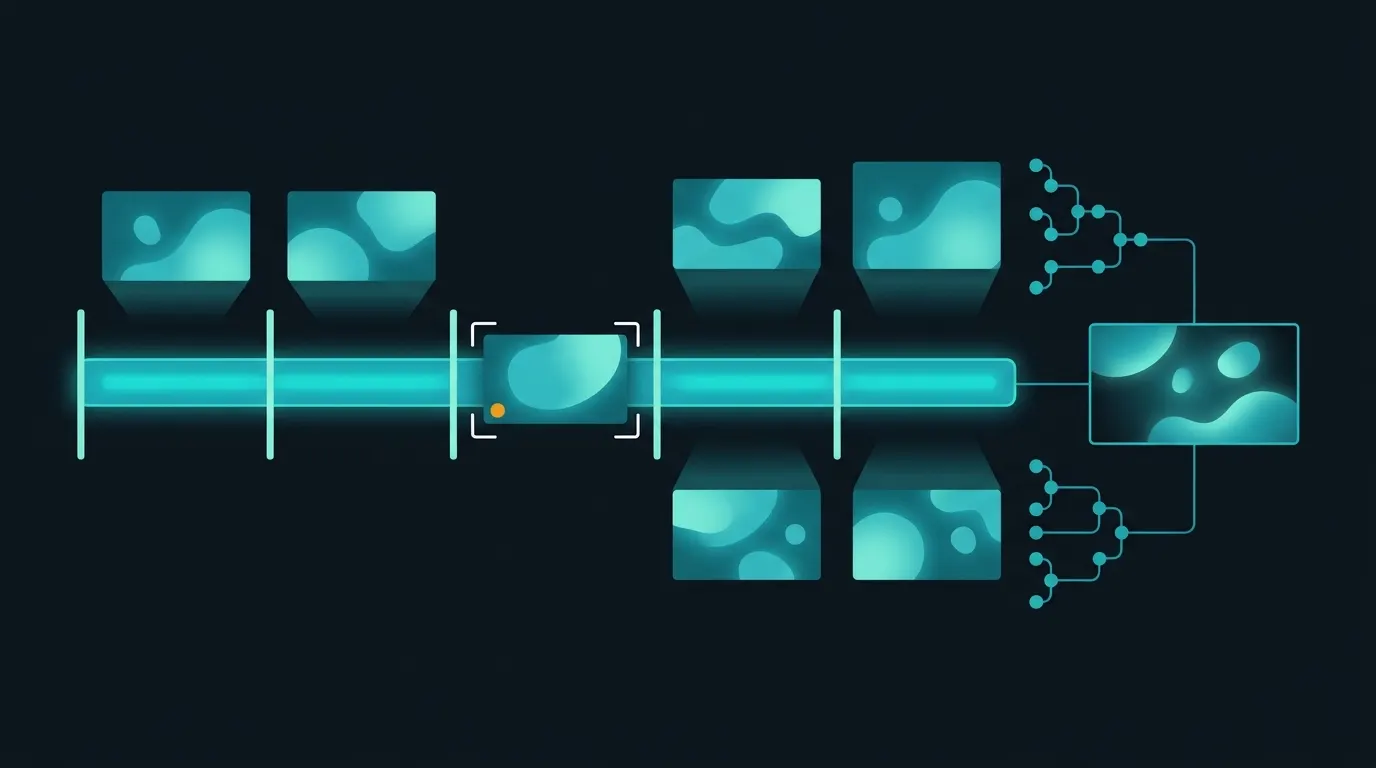
Chapter generation is a segmentation problem followed by a writing problem. Segmentation looks for points where the video changes in a way a viewer would care about. Speech gives the strongest signal for talk-led content: the transcript shows when the subject changes, when a presenter introduces a new item, or when an interview moves to a new question. The picture adds what speech misses: cuts to a new set or location, a switch from studio to field report, a graphic or slide that opens a new section, or a change of speaker on screen. For news bulletins, a story change is usually a clean boundary. For interviews and panels, topic shifts matter more than shot changes, because the camera cuts constantly within one topic. Once boundaries are set, a model writes a short label for each section from what is said and shown in it. Labels should describe what happens in the segment, in plain words a viewer would search for, not a teaser line. Two failure modes are common: too many short chapters that follow every cut, and labels that state names, numbers or claims the segment does not support. Both are caught in review, which is why chapters should keep their source timecodes so an editor can check each one against the original passage.
YouTube chapters: the rules that decide whether they appear
YouTube Help sets out the requirements for chapters you add yourself. The timestamps and titles go in the video description. The first timestamp must start at 00:00, the video should have at least three timestamps listed in ascending order, and the minimum length for a chapter is 10 seconds. Chapters you add override automatic chapters. Automatic chapters are allowed by default for new uploads and can be switched off per video, in bulk, or for all uploads in the upload defaults. YouTube also says that not all videos are eligible for automatic chapters and not all eligible videos will get them, and that chapters are unavailable when a channel has active strikes or the content may be inappropriate for some viewers. For a broadcaster or publisher, the practical consequence is that relying on automatic chapters gives no control over where sections start or what they are called. Generating the list in your own workflow, reviewing it and writing it into the description means the chapters match your editorial structure, and the same list can be reused on your website.
Key moments in Google Search: Clip and SeekToAction
Google Search can show key moments, links to segments inside a video, in its results. Google tries to detect them automatically, but its documentation says it prioritizes key moments set by the publisher, either through structured data or the YouTube description. For YouTube-hosted video, Google reads timestamps from the description: each timestamp in hour, minute, second format on its own line with its label, at least one word per label, in chronological order. For video hosted on your own site, there are two options. Clip markup lists each segment explicitly inside the VideoObject through hasPart, with a name, a startOffset in seconds and a url that points to the same URL path as the video with a time parameter, such as ?t=120. An endOffset is recommended. Clip is the option to use when you want Google to show your own timestamps and labels, and Google lists it as supported in all languages where Search is available. SeekToAction markup instead describes your URL pattern, with a target URL containing the placeholder {seek_to_second_number}, so that Google can identify key moments itself and link to them. Google lists a fixed set of supported languages for SeekToAction, including English, Spanish, French, German, Japanese and Portuguese. If chapters are generated and reviewed anyway, Clip markup puts those reviewed labels into search.
Requirements for key moments on your own watch pages
Google's video structured data guidelines add conditions that apply to both options. The video URL must support deep linking to a point other than the start, for example with a ?t=30 parameter. The VideoObject markup must be on a page where users can watch the video, not on a listing page that only links to it. The total video duration must be at least 30 seconds, so short clips cannot carry key moments. The page must include the required VideoObject properties. With Clip markup, no two clips on the same video on the same page may share a start time. With SeekToAction, Google must be able to fetch the video content files. A publisher that does not want key moments at all can opt out with the nosnippet meta tag, which also stops automatic detection. In practice, most failures come from the first two rules: players that ignore the time parameter, and markup placed on category pages instead of the page where the video plays.
Chapters in your own player: WebVTT
On a website, chapters reach the player as a text track. The HTML track element takes a kind attribute, and MDN describes the chapters kind as chapter titles intended for use when the user is navigating the media resource. The track's src points to a WebVTT file, which must be on the same origin as the page unless the video element has a crossorigin attribute, and srclang takes a BCP 47 language tag. The W3C WebVTT specification says chapter cues mark up the timeline in consecutive, non-overlapping intervals, which can be subdivided into sub-chapters to form a navigation tree. Each cue has a start and end timestamp in hours, minutes, seconds and thousandths, with the hours optional when they are zero, followed by the chapter title as plain text. Because the same chapter list can produce the WebVTT file, the Clip markup on the watch page and the YouTube description, keep one source of truth with start times in seconds and generate all three outputs from it. That avoids the common drift where the website, the search markup and YouTube show different sections for the same video. Plan to render the chapter list in the player interface as well, so viewers on the page see the same sections that search results link to.
Where Minute-ly.com fits
Doing this by hand for a back catalog is what keeps most libraries without chapters. Minute-ly.com's Video AI Engine connects live streams, broadcast feeds, VOD and video libraries, analyzes scenes, people, speakers, action and context, and generates derivatives including chapters, summaries, highlights, previews and captions. Outputs, editorial rules and delivery to the CMS or player are scoped and tested for each workflow before production, and generated chapters keep their source identifiers and timecodes so editors can review them before publishing. The workflow for library chapters and summaries is described in the guide to summaries and chapters from a video library.
Checklist for AI video chapters
Pick a representative sample of your library, such as bulletins, interviews and long-form shows, and agree chapter rules per format: minimum length, how a boundary is defined and how labels are written. Keep every chapter with its asset identifier and start time in seconds. Review names, numbers and claims in labels before publishing. For YouTube, write the list into the description starting at 00:00, with at least three chapters of 10 seconds or more. For your website, make sure the player honors a time parameter in the URL, put VideoObject markup with Clip parts on the watch page, check that no two clips share a start time, and confirm the video is at least 30 seconds long. Generate the WebVTT chapters file from the same list and attach it with a track of kind chapters. After publishing, validate the structured data on the watch page and track chapter clicks and plays after a chapter jump in your analytics.